Verify your email
Create your company owner account using your email verification code.
 Trax Omni
See what each tool does, where to open it and how your team can use it. These screenshots come from the working Trax Omni CRM with sample records.
Verify your account, choose your industry, invite your team and work your first lead.
Create your company owner account using your email verification code.
Start with sales stages and qualification fields that suit your business.
Send secure invitations and choose each person’s role.
Record the inquiry, assign an owner and set the next follow-up.
Keep incoming interest in one sales workspace. Record the person, company, source and next step so the team knows who should follow up.
Automatic capture from external services requires authorized provider setup.
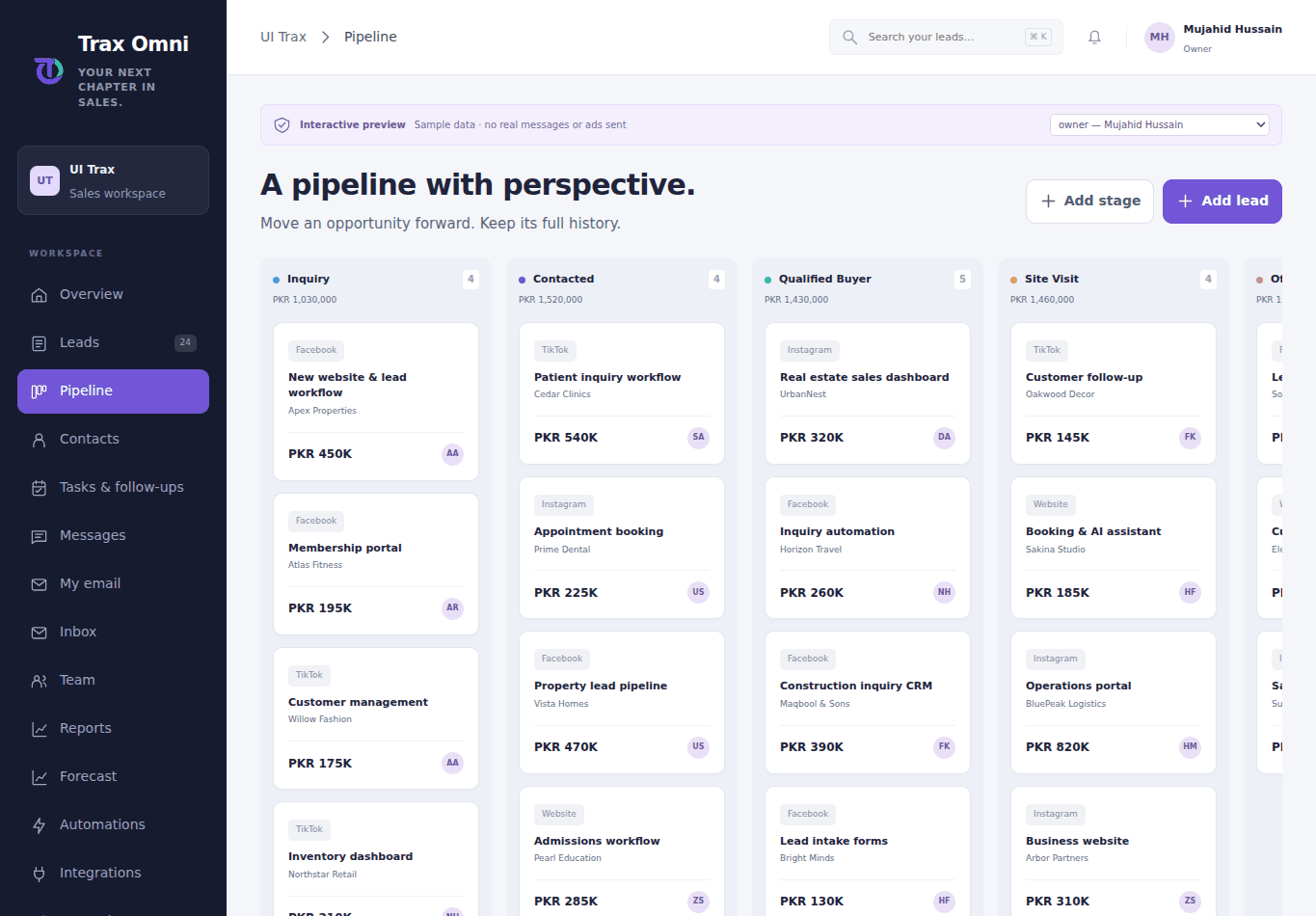
Real estate needs viewings and negotiation. Fashion needs product details and dispatch. Choose the sales structure that fits your business.
These are sales workflows. Inventory, booking availability and accounting are separate systems.
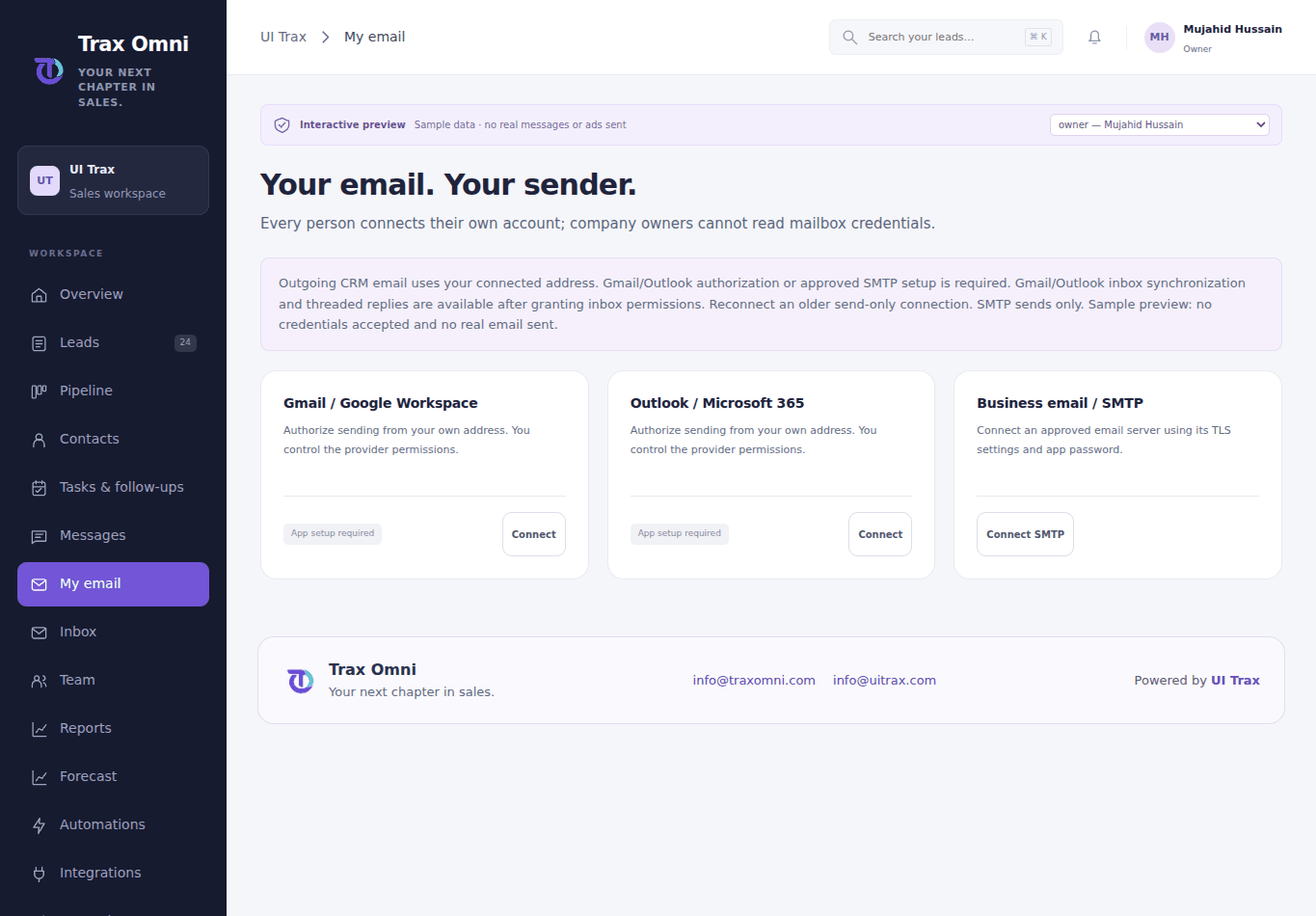
Keep the sender personal and the conversation connected to the lead. Each teammate connects an authorized mailbox of their own.
Live sending and inbox sync require provider authorization. The screenshot shows the actual connection screen.
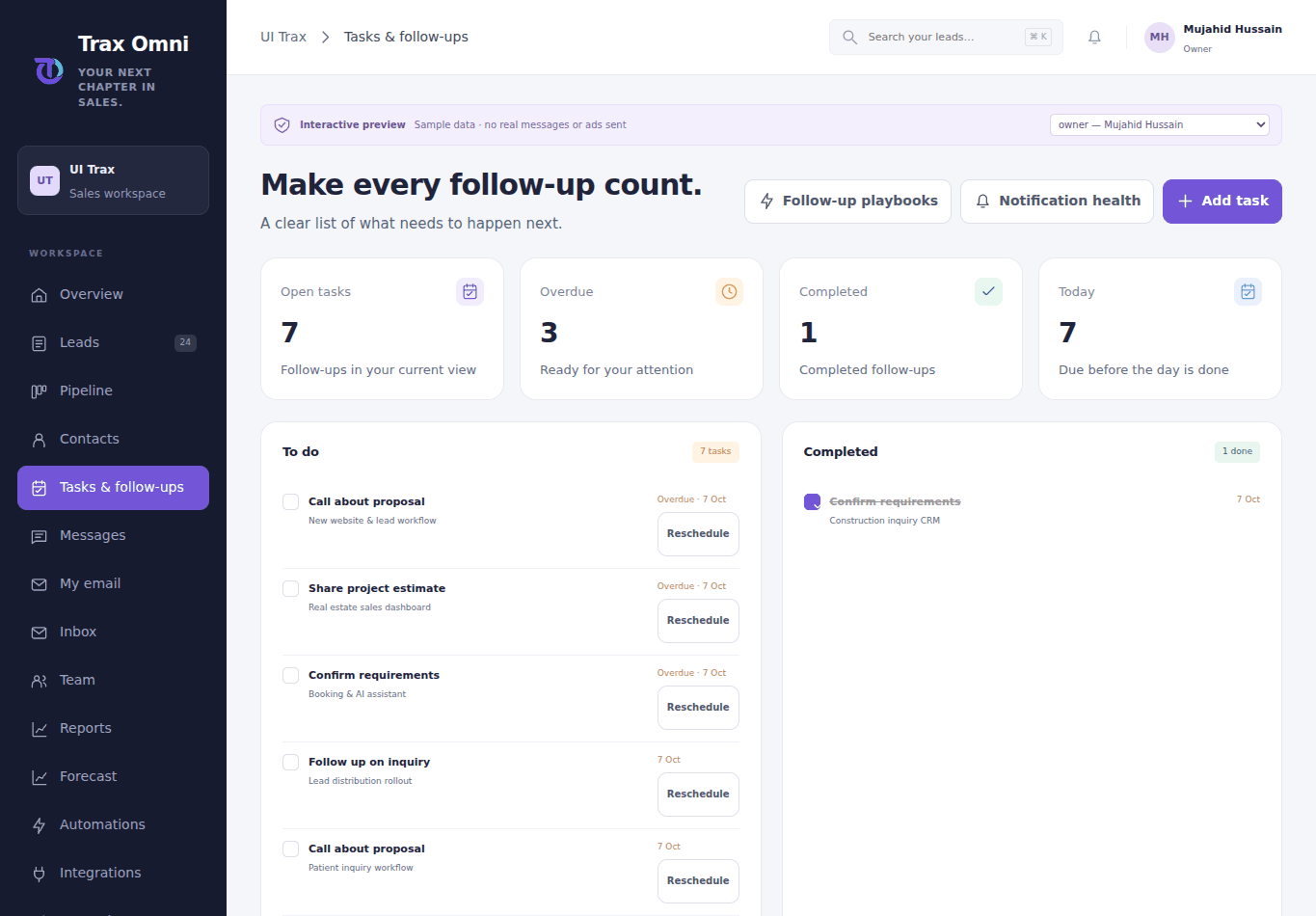
A clear task is easier to act on than a forgotten note. Keep due dates, responsibility and context beside the opportunity.
Physical phone notification delivery still needs release-device validation.
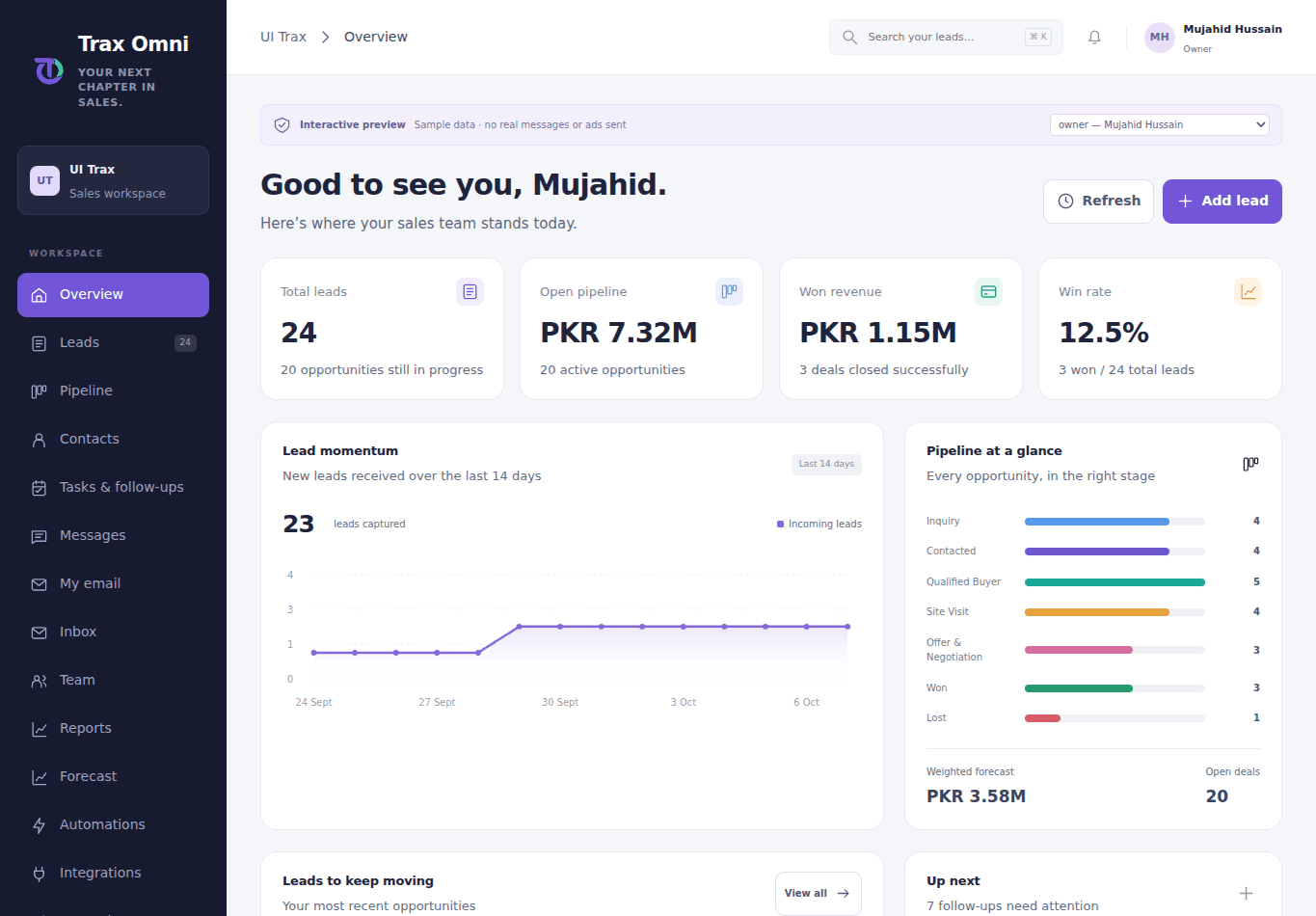
See the pipeline, won revenue and upcoming work in one view. Inspect the records behind a number before making a decision.
Company reports are reserved for the company owner. Staff see their own assigned work.
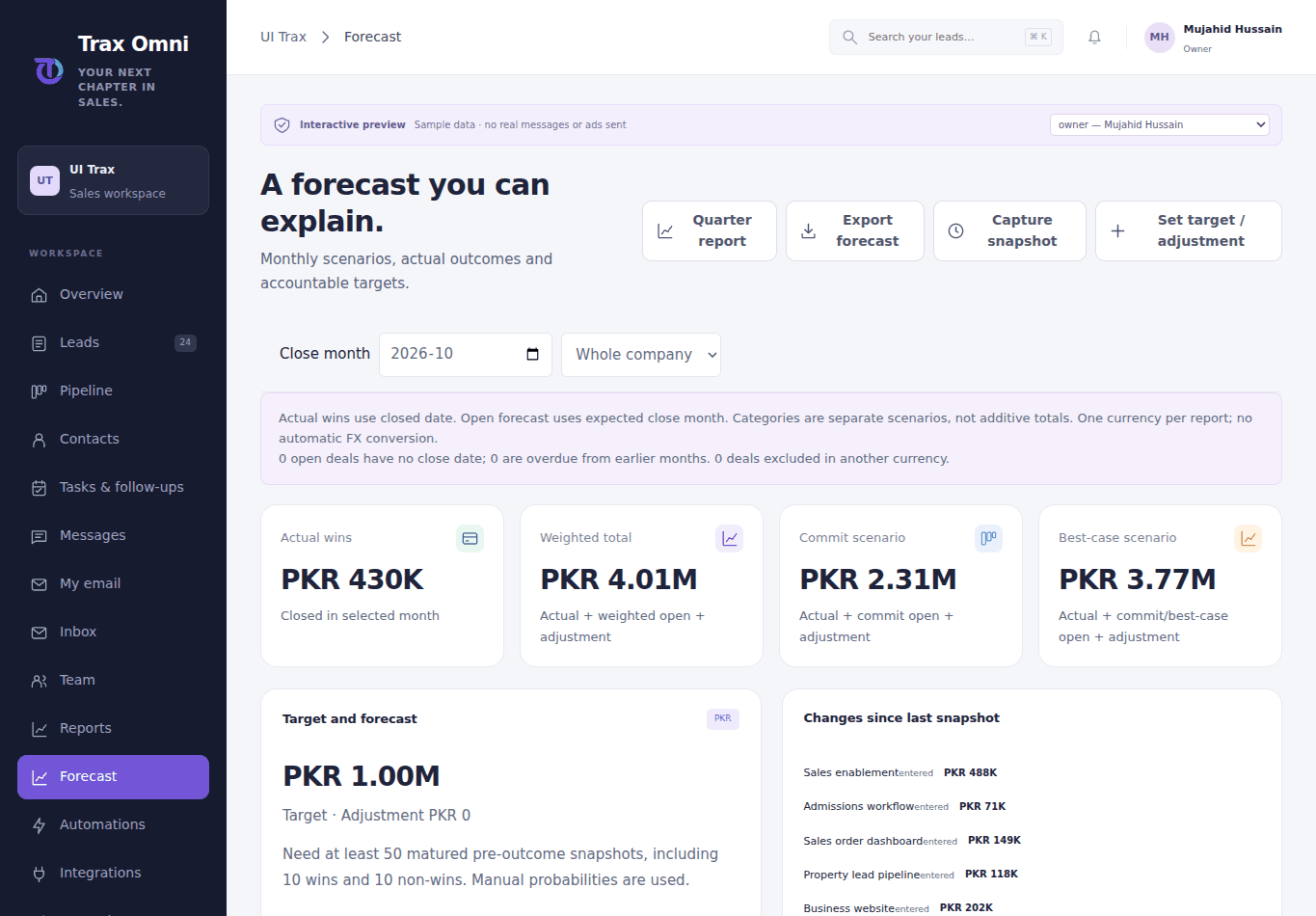
Combine closed revenue and weighted opportunities to explore the pipeline and possible outcomes.
Forecasts are estimates based on recorded data, not guaranteed future revenue.
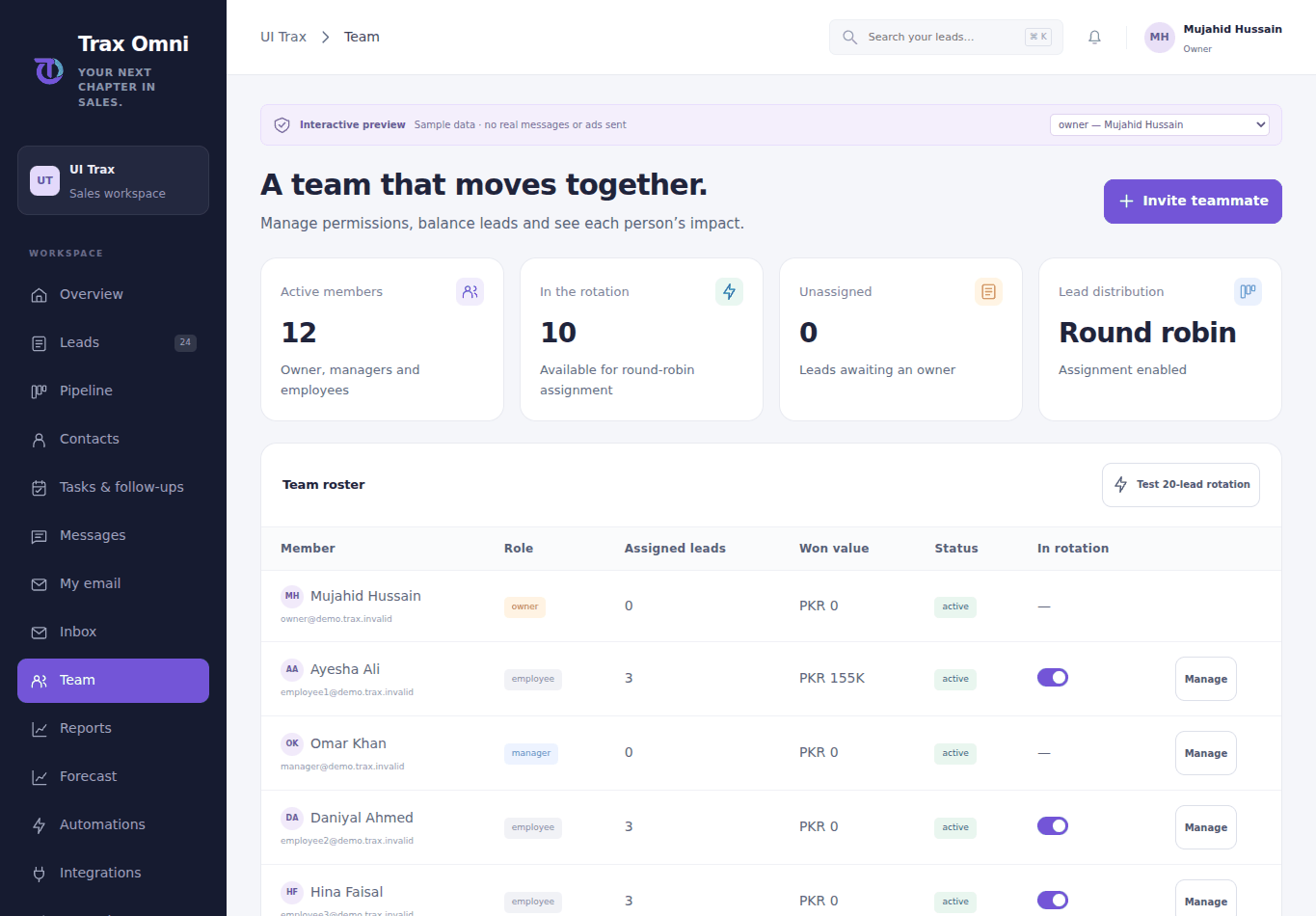
Your company owner manages the team. Managers and employees focus on the work assigned to them.
The CRM platform owner is a separate Super Admin role; public signup does not create it.
Save a short encrypted voice note with a lead or review contact fields from a business card.
Photo extraction and AI drafts need server configuration and provider access. Physical mobile capture remains release verification.
Company owners can inspect approved Meta ad accounts, campaigns and recent spend, and create a paused lead campaign.
Provider credentials, approved assets/forms and permissions are required. TikTok imports poll every 15 minutes; live delivery and advertising spend must be verified with your account.
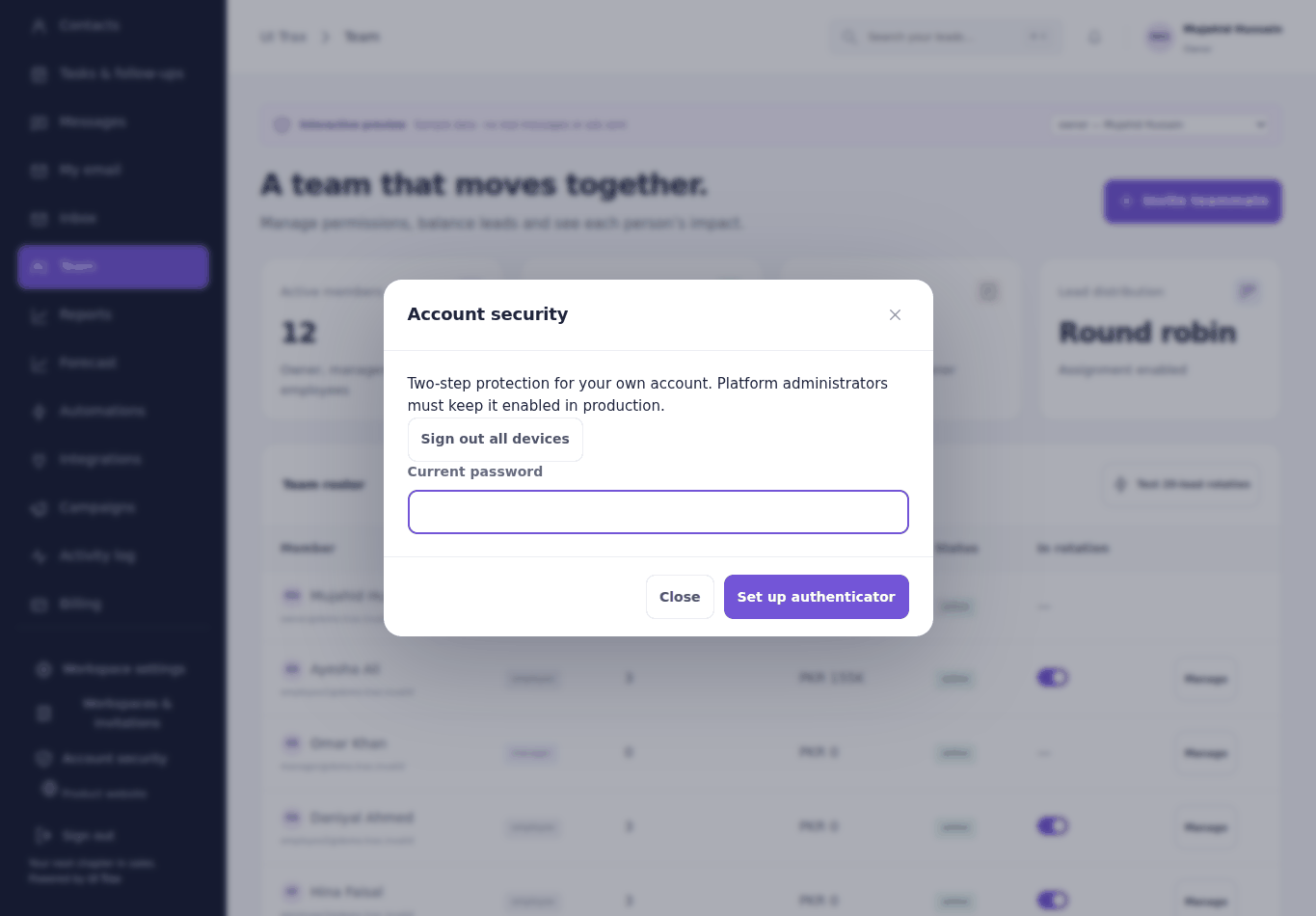
Verified accounts and clear role boundaries keep access controlled. Staff can add an authenticator when they want extra protection.
Security controls reduce risk. Live hosting protection and independent security review remain release work.
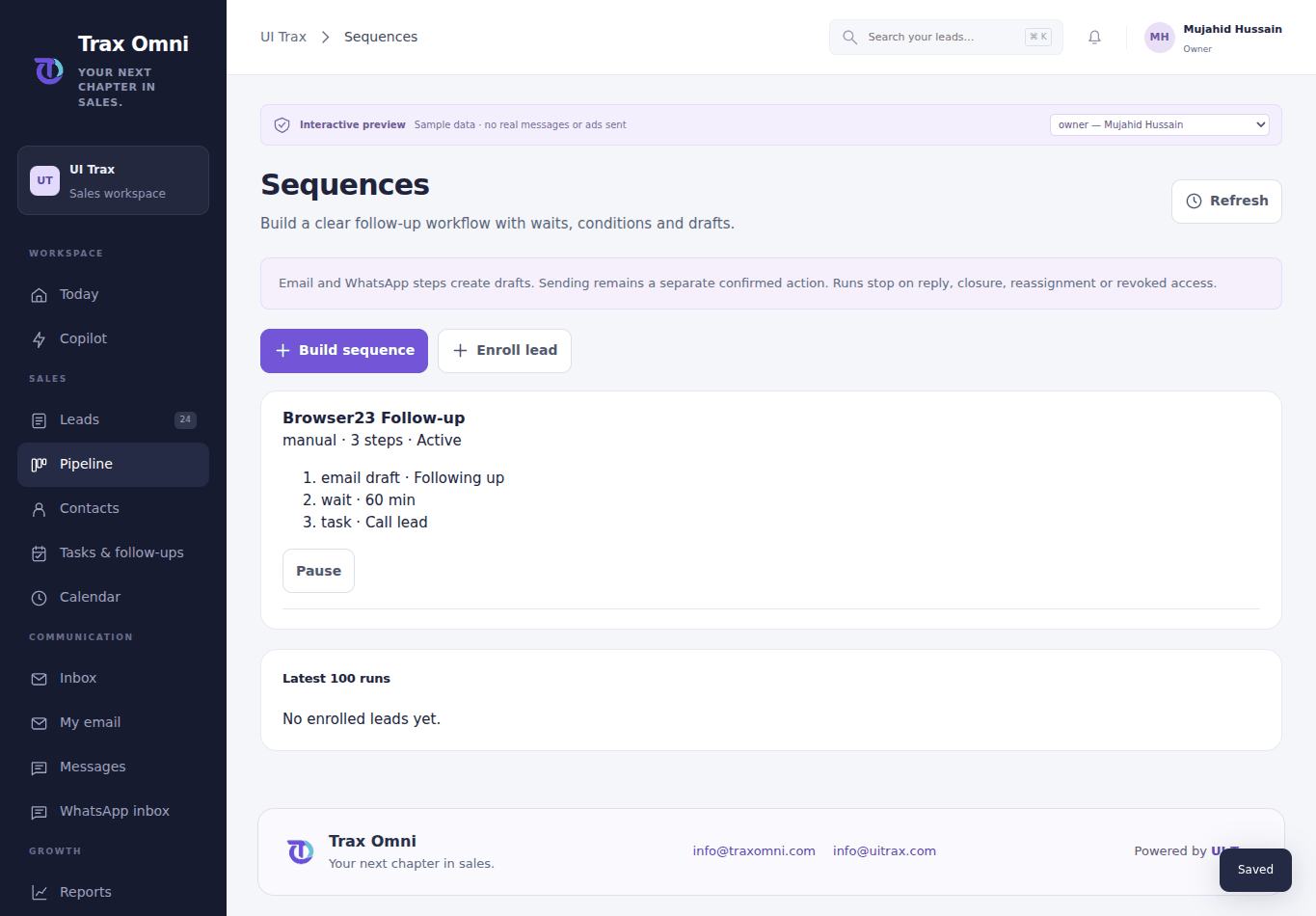
Build a sequence with tasks, waits, conditions and message drafts.
Sequences stop on reply, closure, reassignment or lost access. They create drafts, not automatic sends.
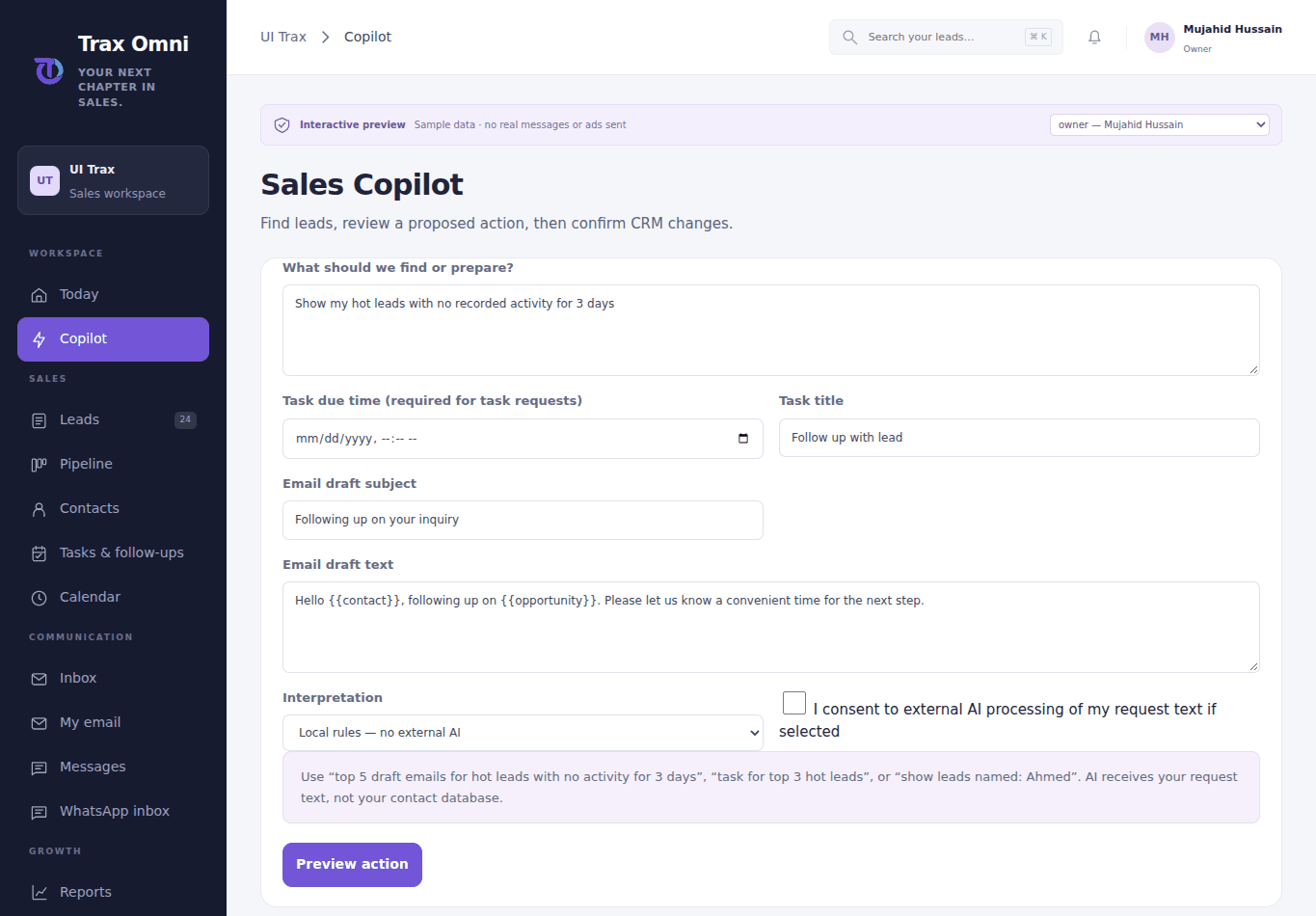
Ask for hot leads, inactivity filters or follow-up drafts.
Local interpretation works without an external model. Optional AI needs consent and a configured provider; no email is sent by Copilot.
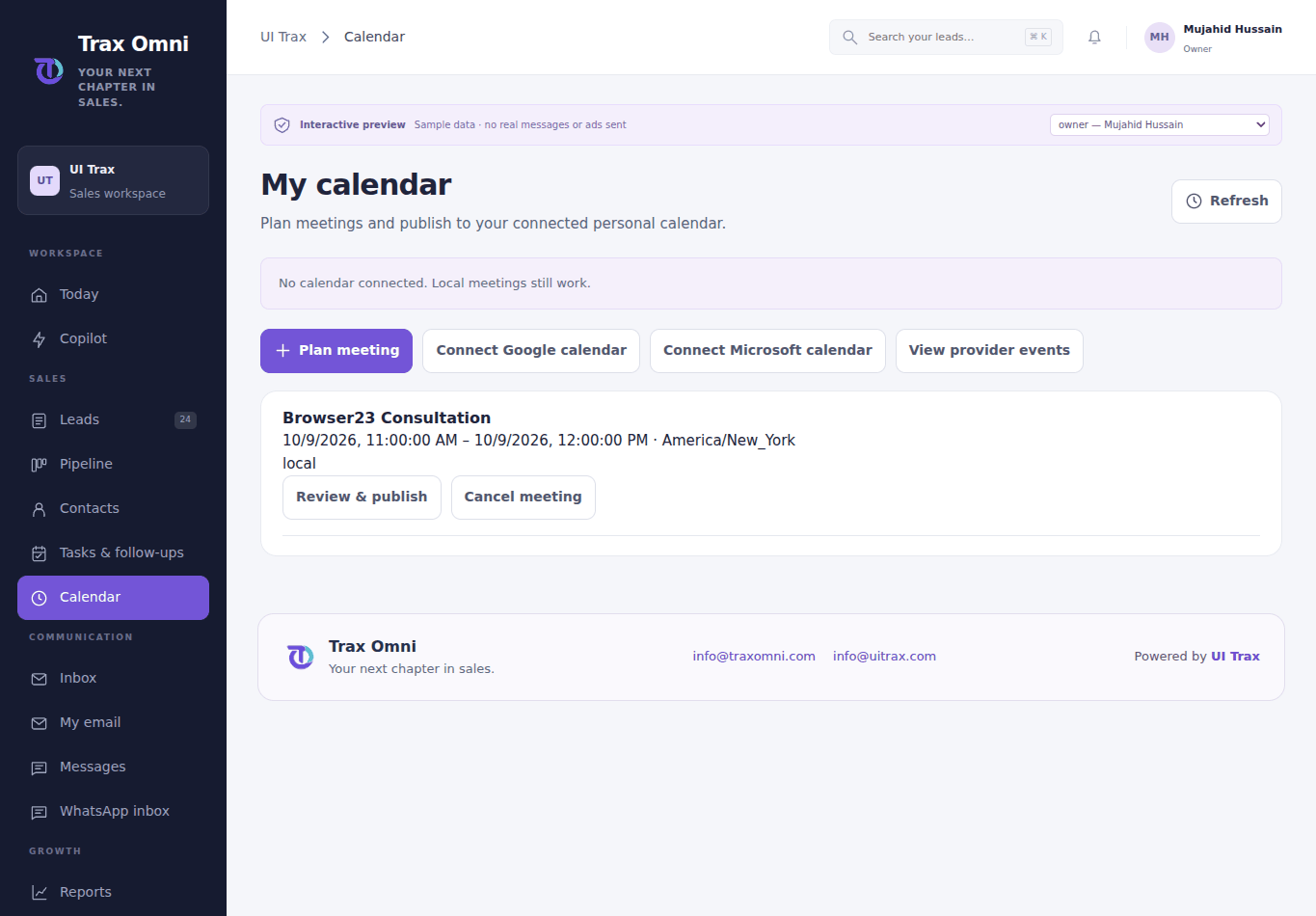
Save a meeting and reminder, then publish it to an authorized personal calendar.
Provider acceptance requires your approved account and permissions. No guest invitations are sent by this build.
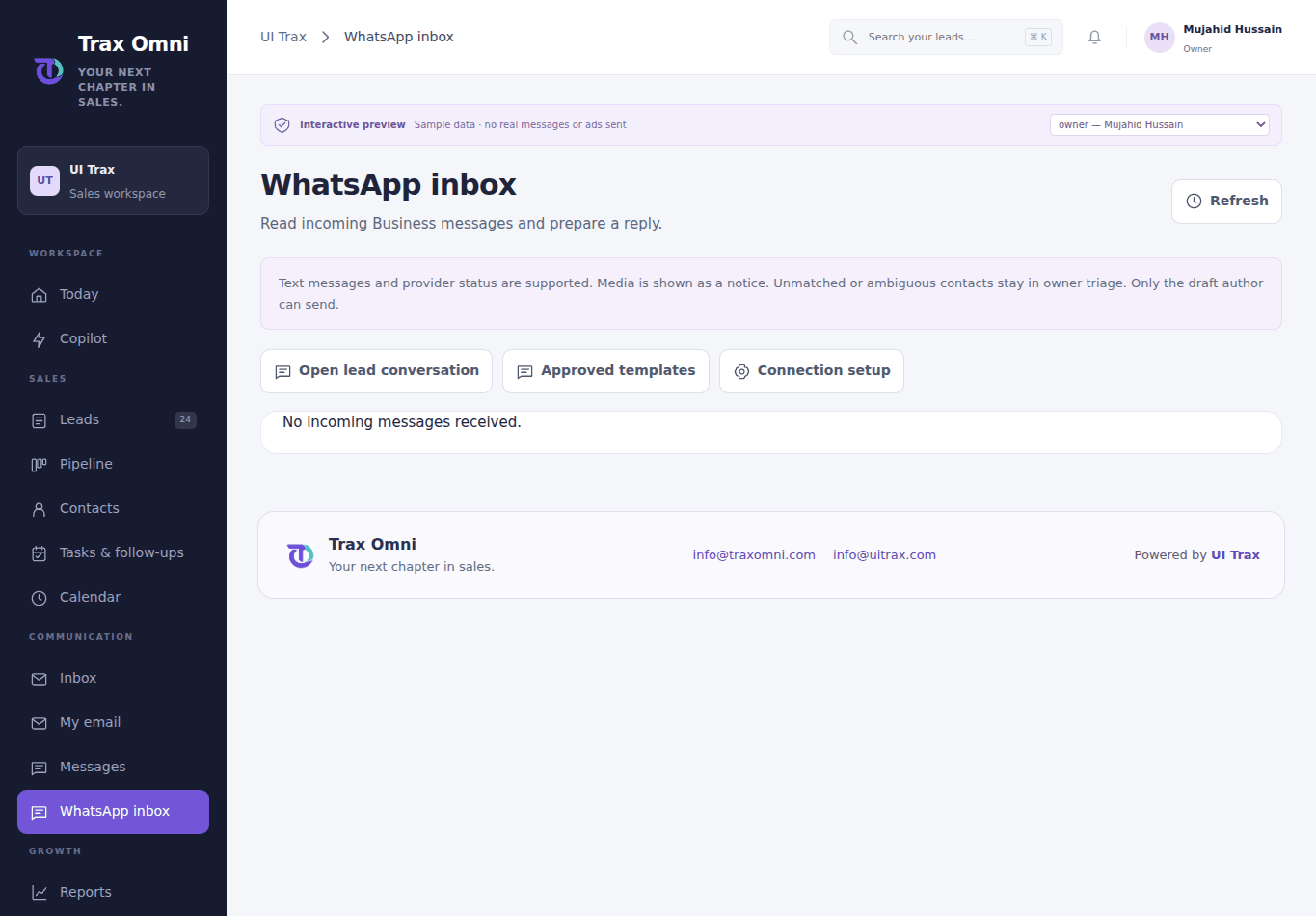
Read incoming text and review your company WhatsApp replies.
Free text needs an open service window; approved business templates require confirmed customer opt-in. Media is shown as a notice.
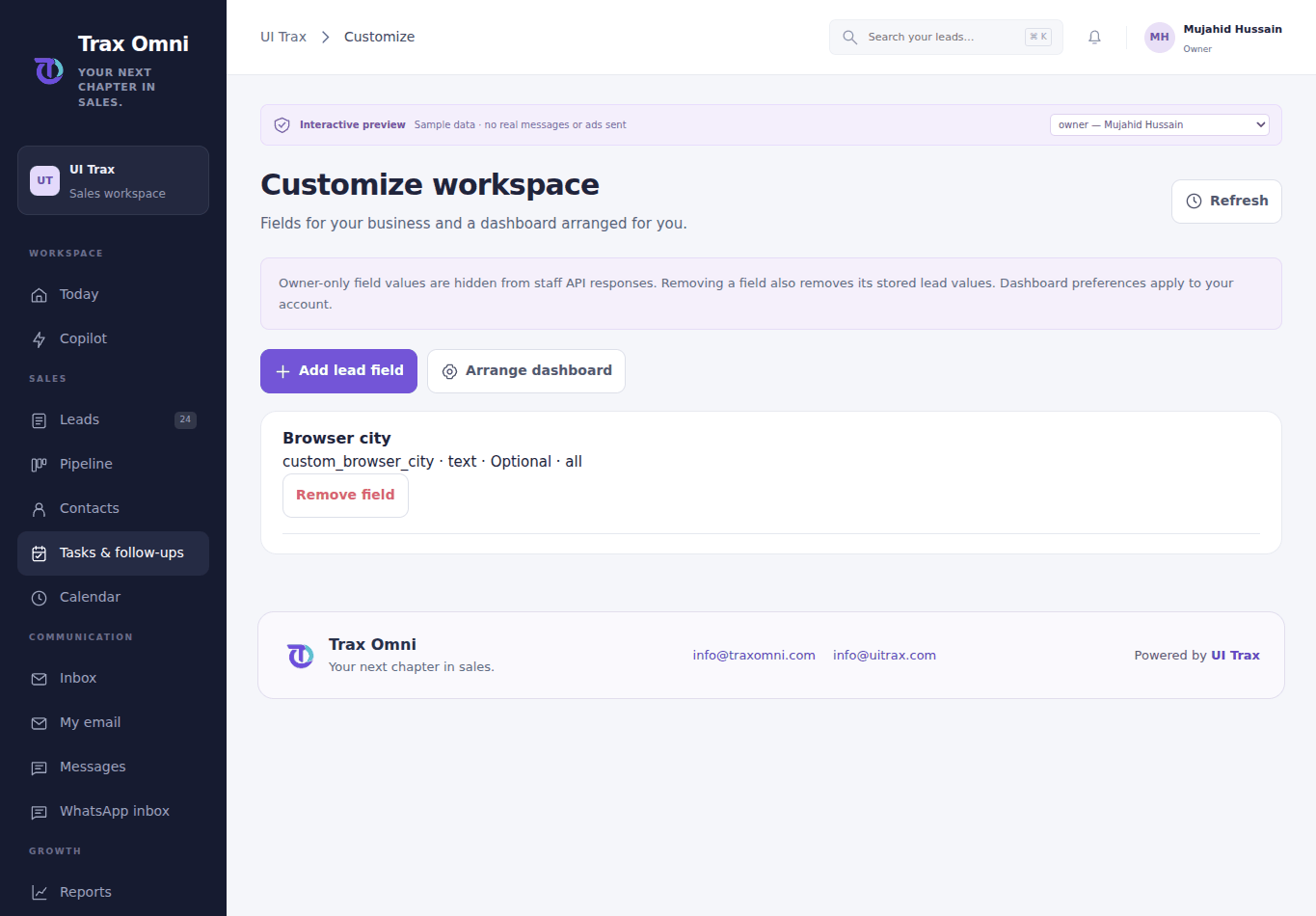
Create typed fields and arrange your personal Today dashboard.
Owner-only values are protected in staff API responses. Removing a field removes its stored lead values. Required fields apply to manual entry; authorized provider capture is retained for review.